Good company. While you compute.
Pixel companions and completion emotes for your terminal. Preview a little personality beside your work.
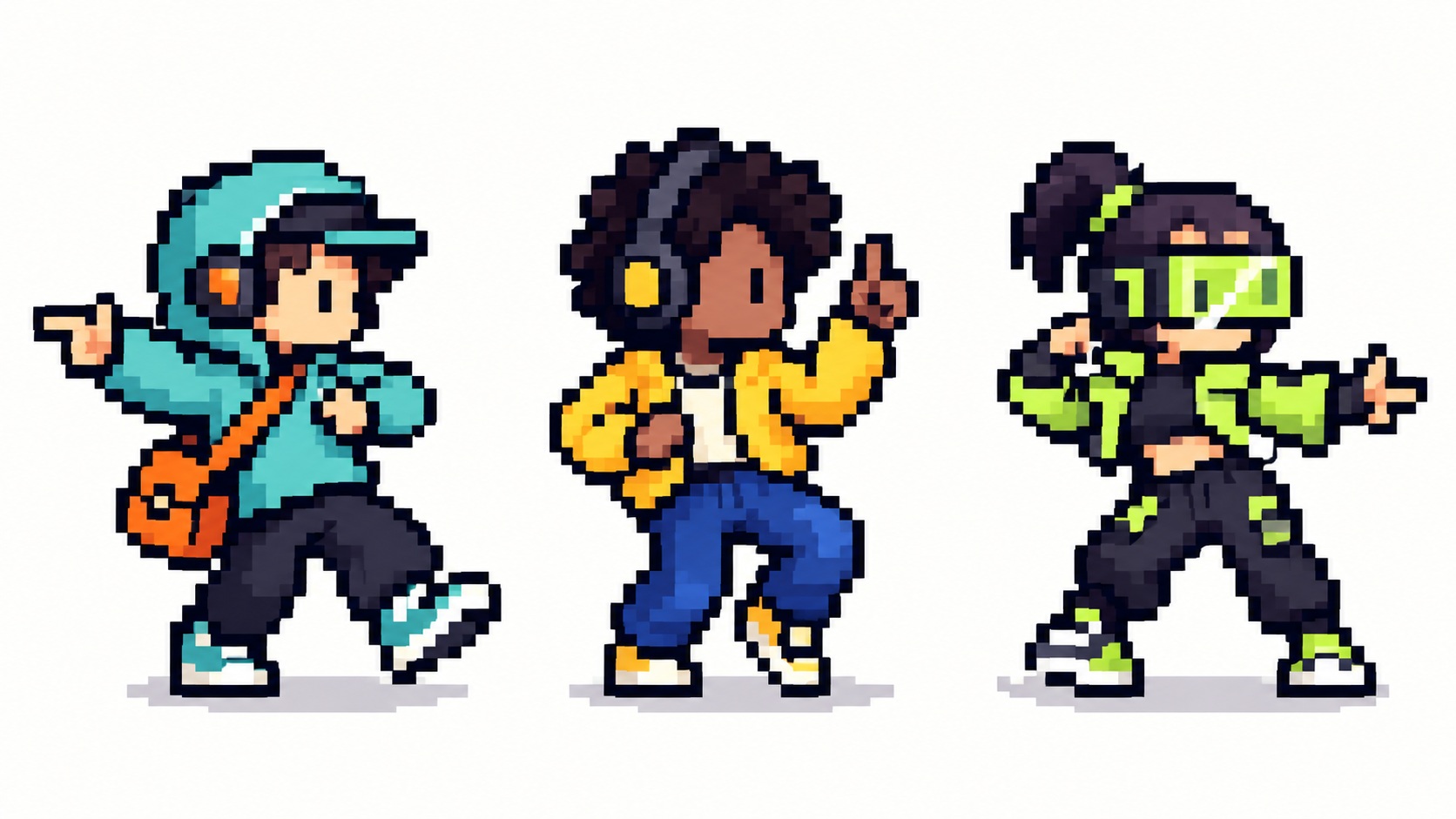
Choose your company.
Choose a character, then an animation on its card. Each animation is a separate item with its own ownership and availability; selecting a preview never buys or equips it.
Loading emotes...
No matching emotes. Try a different search or type.
Your work stays
front and center.
Use a supported host and graphics terminal, or run a separate companion pane. Your coding session keeps its input, output and scrollback; in-place overlays are not universal.
openvegas emote
Included with OpenVegas. Start here to preview a character, then use openvegas emote doctor to check your setup.
Already own an approved pack? Sign in with the same account, then run openvegas emote sync in the updated CLI to restore it. Private packs require an online ownership check; public previews work offline.
Cosmetics do not change model limits, game odds or AI performance.